Rugged Industrial Computer
SBOX-2321

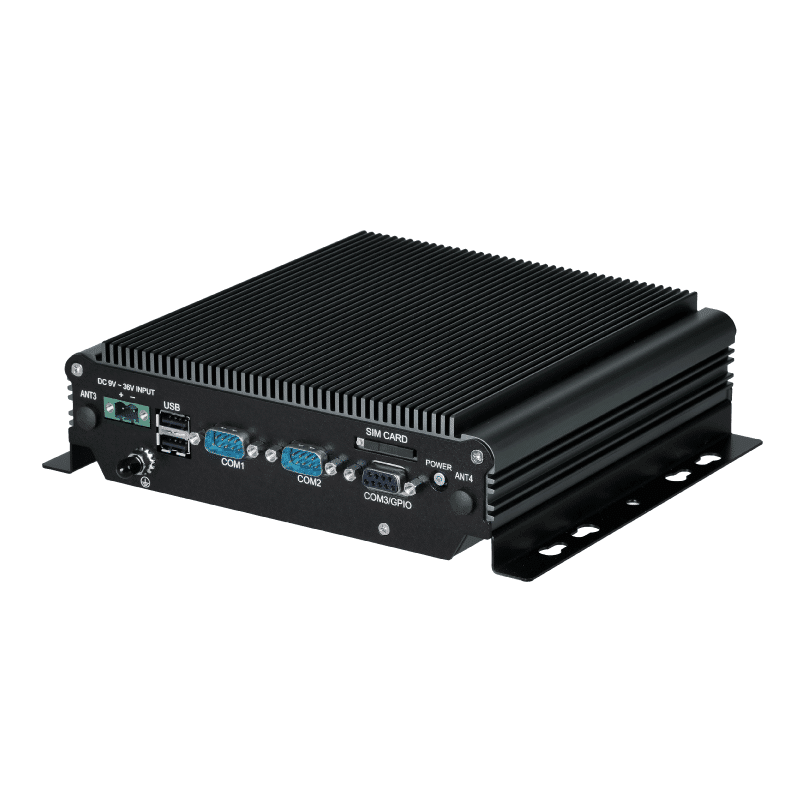
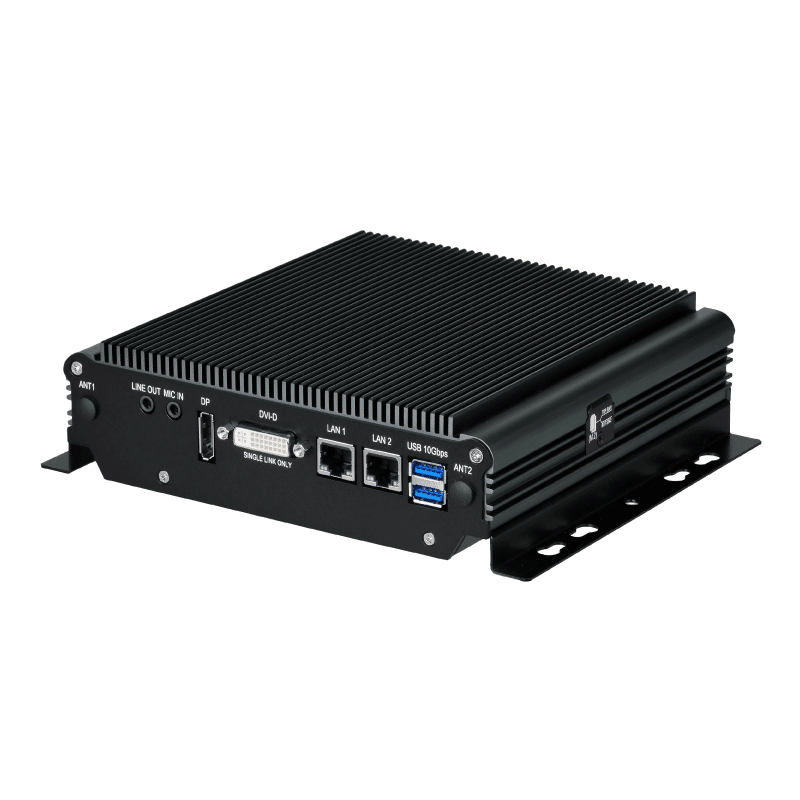
Intel Atom® x6416RE w / 2x LAN / 1x DP / 1x DVI-D / 2x COM / DC-IN 9-36V Embedded Computer


• Intel Atom® x6416RE Quad-core Processor
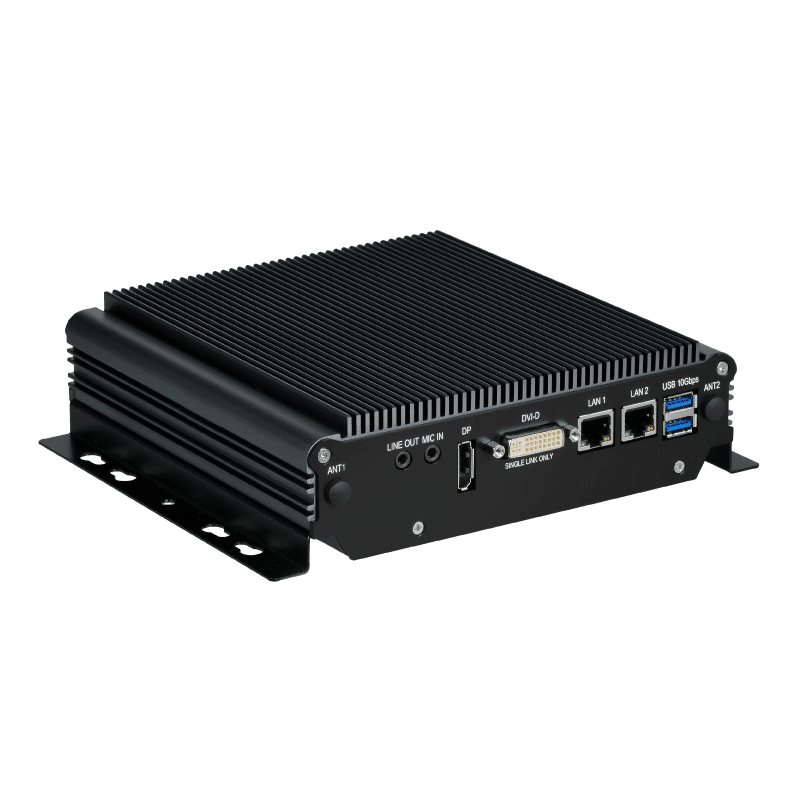
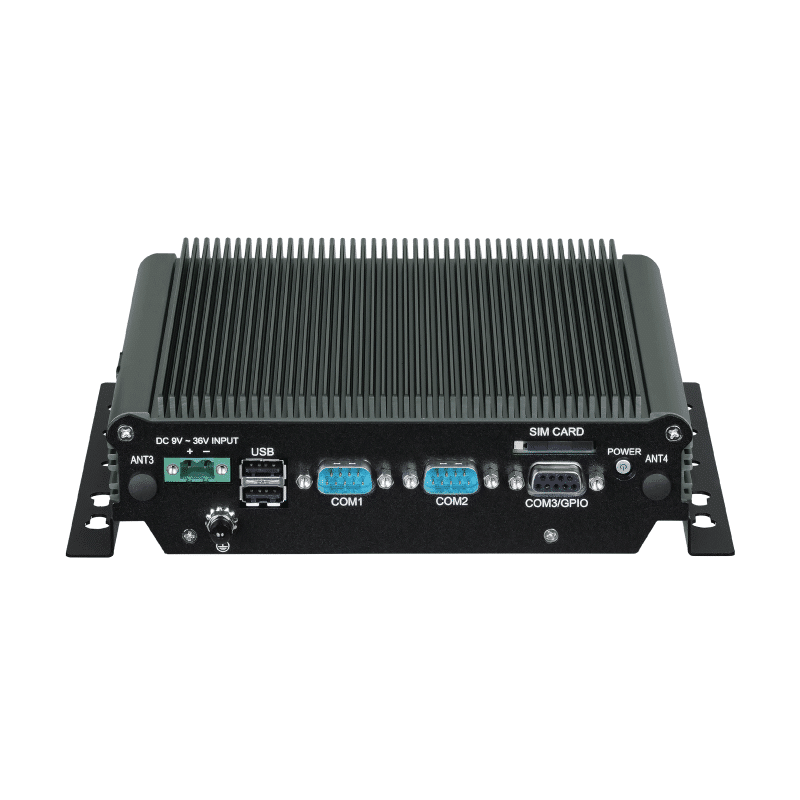
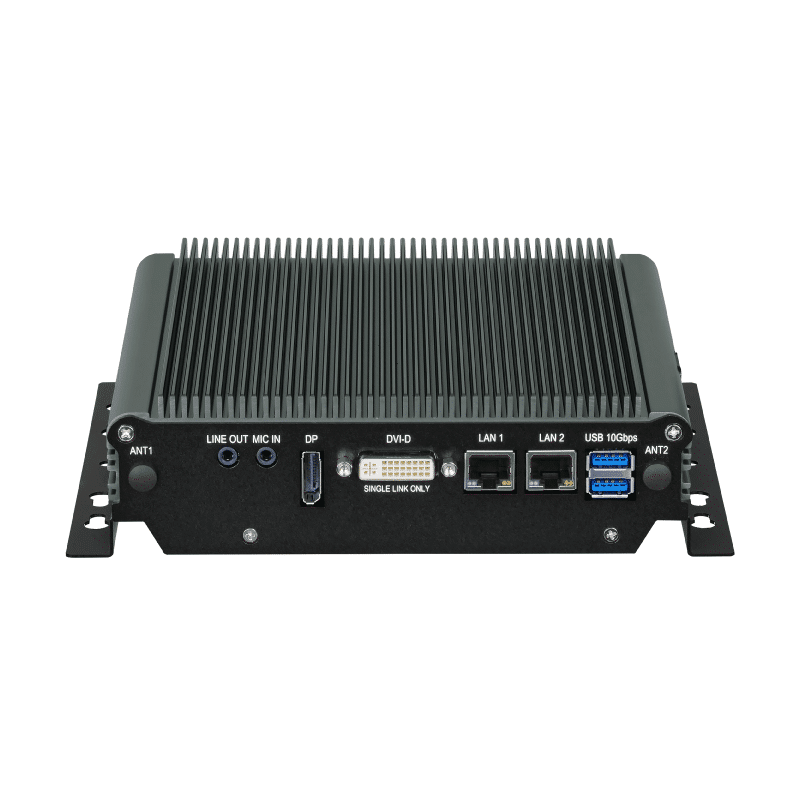
• Dual Display Output (1 x DP / 1 x DVI-D)
• 2 x 2.5GbE for Embedded IoT Connection
• 3 x M.2 & 1 x mPCIe Slots for Wi-Fi / WWAN / GPS / CAN Expansion
• Wide Operating Temperature -40 ~ 70°C
• Dual SIM for Network Redundancy
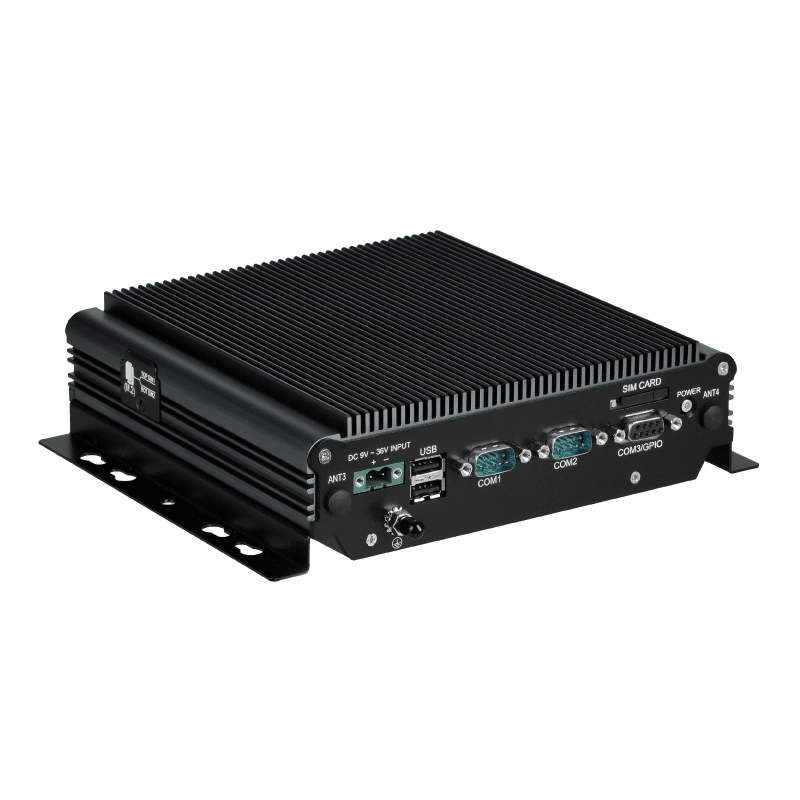
• Industrial Fanless Design


Product Status:Available
Conformité Européenne FCC Certification Wide temperature Fanless

Flexible Connectivity for Industrial IoT

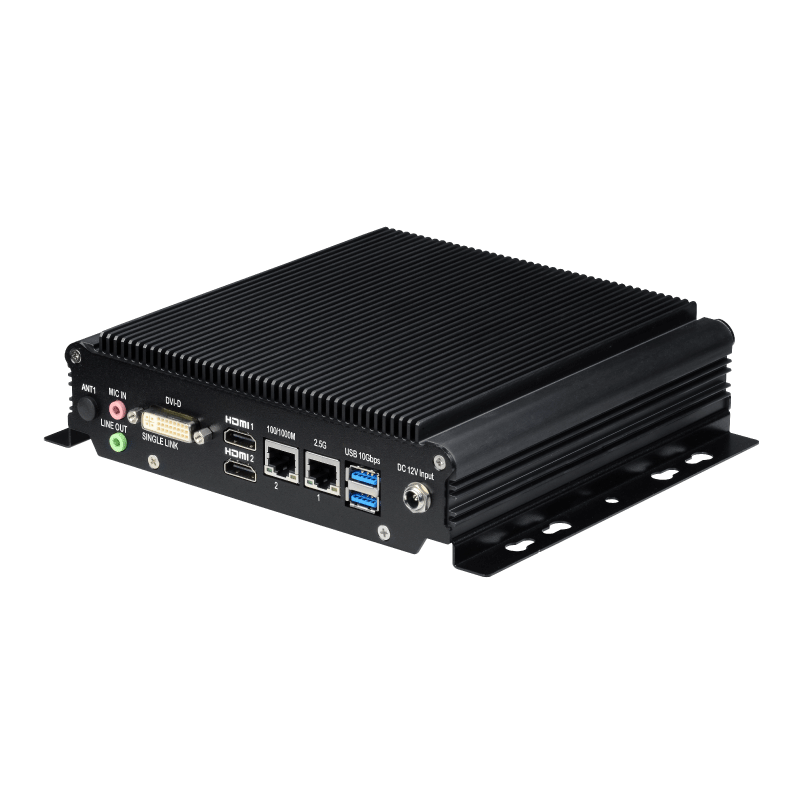
The SBOX-2321 combines an Intel Atom® x6416RE quad-core processor with dual 2.5GbE ports and industrial I/O for equipment connectivity, data collection, and local visualization.

Its fanless aluminum enclosure measures 182 × 171 × 54 mm, excluding mounting brackets. A 9–36 VDC input with overcurrent and overvoltage protection accommodates industrial power installations, while DisplayPort and DVI-D outputs enable dual-display configurations.

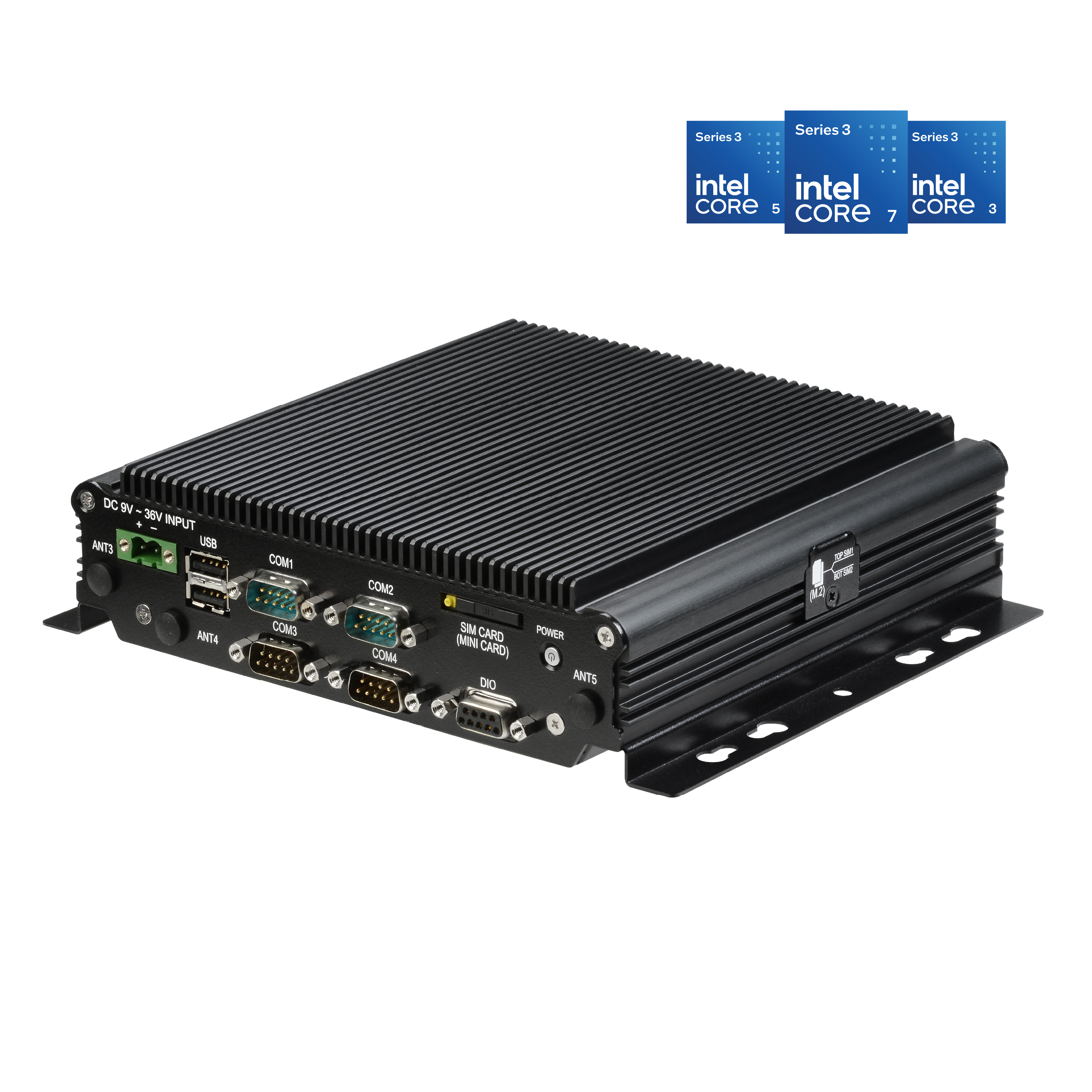
Three M.2 slots and one mPCIe slot provide dedicated options for SSD storage, Wi-Fi/Bluetooth, cellular connectivity, and CAN bus expansion, allowing the system to be configured for different integration requirements.

Connect Industrial Equipment and EV Charging Interfaces

Industrial Automation
Connect controllers, sensors, and peripherals through dual 2.5GbE, RS-232/422/485, and digital I/O for equipment communication and production data collection.

EV Charging HMI
Use dual display outputs for charging information and infotainment screens, with Ethernet connectivity to the charging control system and optional wireless modules for backend communication.

Industrial IoT Gateways
Collect data from connected equipment and transmit it over wired or optional wireless networks. Add an mPCIe CAN bus module when the application requires communication with CAN devices.

Explore SBOX Series Industrial Automation

See how SINTRONES and EVERPRECISION integrate an SBOX computer into a vision-guided PCBA coating machine, combining image acquisition and PLC communication to automate coating tasks.

Technical FAQ

1. Can I connect the SBOX-2321 to a 24 VDC cabinet power supply?

Yes. The terminal-block input accepts 9–36 VDC, including a nominal 24 VDC supply. Before wiring, verify the supply polarity and ensure its operating voltage remains within this range. The input includes overcurrent and overvoltage protection.

2. What do I need to connect two displays?

Use the DisplayPort 1.4 output and the DVI-D output. The DVI-D connection requires a single-link cable. Select displays and cables that match these interfaces; the system does not provide a native HDMI output.

3. Are the SIM card slots enough to enable LTE or 5G connectivity?

No. Cellular connectivity requires an optional compatible LTE or 5G module, suitable antennas, and an activated SIM with a data plan. The listed cellular expansion option uses the M.2 3042/3052 Key B slot. The system provides two SIM slots, but automatic network switching should be confirmed for the selected modem and software configuration.

4. How do I connect CAN bus equipment?

Add the optional mPCIe CAN bus module. CAN connectivity is an expansion option rather than a standard onboard interface. Specify the required CAN interface and external connection when ordering so the module and connection arrangement can be confirmed.

5. Can the SBOX-2321 operate at 70°C without cabinet ventilation?

The published −40°C to 70°C operating range requires airflow of 0.6 m/s. Fanless cooling does not remove this airflow condition. Check the temperature and airflow at the installation location, and include the selected memory, storage, and expansion modules in thermal validation.


Processing